
Eight suites that run the whole school

Teacher first: 10+ AI tools with CBSE and ICSE content
Explore Assist →
From the first doubt to the chapter exam, one connected path
For Class 3 to 12, CBSE and ICSE, with JEE and NEET for Class 11 and 12. Every chapter in four steps.
Where would you like to sign in?
School login
For staff and admins · app.schoolcanvas.com
Student login
For students · student.schoolcanvas.com
Popular with schools
Popular with students and parents
Exam and report card software. From lesson plan to report card, in one connected flow.
Timetables, substitutions, lesson plans, homework and exams, with report card software for schools that covers CBSE, ICSE, state boards and the Holistic Progress Card. Teachers enter marks once, and the class register, report cards and result analysis follow from them.
- Any board format
- HPC-ready
- Report cards on the parent app
- MSP2 · IX-B MathsR. Iyer
- KNP3 · VI-C EnglishA. Thomas
- Science · IX-AOn track
- Science · IX-BOn track
- Maths · IX-C1 chapter behind
- SSt · IX-D2 chapters behind
- English A1
- Mathematics A2
- EVS A1
- Art Proficient
Academic teams at 1000+ schools plan, teach and report on Schoolcanvas
 The Gurukulam Group of SchoolsPan-India
 Mount Assisi SchoolBhagalpur
 Ambitus World SchoolHyderabad and Vijayawada
 Children Public SchoolFatehpur
 Shraddha Children's AcademyChennai
 D.B.M.S. English SchoolEast Singhbhum
 M.S. Memorial Public SchoolPatna
 Carmel CMI Group of SchoolsKerala
 St. Joseph's Group of SchoolsDumka Diocese
 G. Rio Hr. Sec. SchoolKohima
 Holy Cross SchoolDarbhanga
 Shantha Group of InstitutionsBangalore
 San Academy Group of SchoolsChennai
The academic year runs on copying. Every copy is a chance for a mistake.
In most schools the timetable lives in one file, lesson plans in a notebook, marks in Excel and report cards in Word. None of them talk to each other, so teachers and coordinators carry the same information from one place to the next, every term.
-
The same marks, typed three times
Marks go into a paper register, then an Excel sheet, then the report card. One wrong cell changes a total, a grade and a rank, and someone finds it only after the card reaches home.
Paper register → Excel → Word -
Formats rebuilt every term
Scholastic areas, co-scholastic grades, attendance, remarks and now the Holistic Progress Card. Each board and each class needs its own layout, and the Word template breaks every time a subject changes.
Word template -
Substitutions arranged by phone at 7:45
Two teachers call in sick. The coordinator checks the timetable, guesses who is free, phones around and hopes no class is left unattended when the first bell rings.
Phone calls -
A timetable that takes weeks
Building it by hand means juggling teacher loads, rooms, labs and combined classes on a whiteboard, and one change in July means starting the clashes all over again.
Whiteboard -
Syllabus coverage is a guess
Lesson plans sit in notebooks, so nobody knows which sections are behind until the exam is a week away and the portion is not finished.
Notebooks -
Weak students found too late
Results are read as a list of marks after the final exam. By the time a pattern is visible, there is no term left to re-teach and no time for remedial classes.
List of marks


June to March, on one wall planner. Every note is something Schoolcanvas runs for you.
This is how the year looks at Green Valley Public School: two terms, ten months, and every timetable, test, report card and promotion pinned to the month it happens. Select any note to see how it works.
- Plan
- Teach
- Cover and check
- Assess
- Report
- Review
- Assist
- Year end
Jun 2026
PlanTimetable generated0 clashes · 5 views TeachLesson plans writtenClass-wise, against the exam dates PlanAcademic calendar sharedTeachers, students and parentsJul 2026
CoverSubstitutions, every morningFrom staff attendance TeachHomework on the parent appReady subject formats AssessUnit test 1Papers from the question bankAug 2026
ReviewClassroom observationsForms, feedback, action plans AssessOnline testClass X · 36 of 38 submitted TeachLibrary reservationsBarcode issue and returnSep 2026
CheckSyllabus checkIX-D: 2 chapters behind AssessAdmit cards issuedA few clicks, whole schoolOct 2026
AssessHalf-yearly examsTerm 1 · from 13 Oct AssessMarks entered onceIn each teacher's login HolidayDiwali breakFrom 20 OctNov 2026
ReportReport cards and PTM8 Nov · on the parent app ReportHolistic Progress CardJunior grades, where adopted ReviewRemedial groupsFrom result analysisJan 2027
ReviewReview visitsChecking the agreed action plans ReviewWeak students re-checkedSection and subject viewsTear off any month, and this is what runs underneath.
Two lanes, one system. Teach covers the timetable, lesson plans, homework, e-content and the library. Assess covers exams, the question bank, admit cards, report cards, the Holistic Progress Card and result analysis. They share the same students, teachers and marks, so nothing is entered twice.
Timetable generator
Enter your classes, subjects, teachers, rooms and rules, and Schoolcanvas generates the whole timetable, 100% from those inputs. Then see the same timetable by block, room, teacher, class or section, and student.
- Generated from your inputs
- Block, room and teacher views
- Student timetables in the app
| P1 | P2 | P3 | P4 | P5 | |
|---|---|---|---|---|---|
| Mon | Eng | Mat | Sci | Hin | SSt |
| Tue | Mat | Sci Lab 2 | Sci Lab 2 | Eng | PE |
| Wed | Hin | Eng | Mat | Comp | Art |
Substitution
The timetable is linked with staff attendance, so it already knows who is absent. For every free period it suggests teachers of the same subject first, and keeps a free-teacher list and substitution reports so workloads stay fair.
- Linked to staff attendance
- Same-subject substitutes first
- Free-teacher list
- MSP2 · IX-B MathsR. Iyer · Maths
- MSP4 · X-A MathsP. Das · Maths
- KNP3 · VI-C EnglishA. Thomas · English
- KNP6 · VII-A English3 free teachers
Lesson plan
Teachers plan class by class, matched to the exam schedule, and principals see status reports for every class and subject, so syllabus coverage is known weeks before the exam, not on the day.
- Class-wise plans
- Matched to the exam schedule
- Status reports
- Science · IX-A On track
- Science · IX-B On track
- Maths · IX-C 1 chapter behind
- Social Science · IX-D 2 chapters behind
Homework and e-content
Teachers post homework with ready subject formats and parents see it the same day. E-content in any digital format works on smart boards, goes through multi-level approval before it is published, and students upload assignments and projects.
- Ready subject formats
- Approval before publishing
- E-library and content rating
Classroom Observation Tool
Principals and coordinators observe lessons with the school's own observation forms and rating scales, share feedback, agree action plans and track them in observation reports. Observations link to teacher appraisal, so growth is measured across the year, not judged on one visit.
- Observation forms
- Rating scales
- Action plans
- Linked to appraisal
- Learning objectives shared ★★★★☆
- Student engagement ★★★★★
- Checking for understanding ★★★☆☆
Exams, question bank and admit cards
Build tests from a question bank organised for papers and practice, run them online alongside your regular paper exams, and generate admit cards for every student in a few clicks. Marks from every test, and from Assist if you use it, flow into the same report cards.
- Online exam
- Question bank
- Admit cards
- Academic calendar
- Mon 13 Oct English
- Wed 15 Oct Maths
- Fri 17 Oct Science
- Electricity 64
- Light 52
- Acids & bases 47
Result analysis
Class, section, subject and student performance at a glance, with co-scholastic analysis and the students who need attention flagged, so teachers plan remedial classes from real data while there is still time to help.
- Subject-wise analysis
- Weak students flagged
- Section comparison
- Above 90% 19
- 40% to 90% 184
- Below 40% 11
Library
An online catalogue with barcode-based issue and return, due-date reminders, reservations for books in demand, automatic late fines and usage analysis that shows which books to buy more of.
- Barcode issue and return
- Reservations
- Late fines
- Usage reports
- DSWings of Fire · issueddue 16 Oct
- FRMalgudi Days · returnedFine ₹6
- MIIgnited Minds · reserved2 in queue
Assist marks in, whole classes promoted
If your teachers use Assist, marks from Assist tests, including OMR-scanned papers, flow straight into the same Schoolcanvas report cards. When the year closes, the bulk promotion tool moves whole classes up to the next year in one go, instead of one student at a time.
- Assist marks in report cards
- OMR-scanned papers
- Bulk promotion at year end
- X-A 38 marks synced
- X-B 37 marks synced
- VIII-A to IX-APromoted
- VIII-B to IX-BPromoted
- VIII-C to IX-CReady
Report card software for schools. Marks go in once, cards come out in your format.
Every Schoolcanvas report card is built to your school's academic requirements: your exam pattern, grading, subjects, co-scholastic areas, layout, logo and signatures. CBSE, ICSE, state boards and international curricula all run on the same engine, along with a dedicated HPC report card for the multi-skill format CBSE recently introduced under NEP 2020. Grades, ranks, attendance and graphs are filled in from the marks teachers entered, and the cards are published to the parent app and website.
- Mark entryIn the teacher's own login or the mobile app
- Class registerTerm reports built automatically
- Report cardGrades, ranks, attendance, graphs
- Parent appPublished to the app and website
- Any board, your format
- Scholastic and co-scholastic
- HPC report card
- Graph-based report cards
- Published to parents
| Subject | PT (20) | Term (80) | Total | Grade |
|---|---|---|---|---|
| English | 18 | 73 | 91 | A1 |
| Hindi | 17 | 66 | 83 | A2 |
| Mathematics | 17 | 69 | 86 | A2 |
| Science | 16 | 62 | 78 | B1 |
| Social Science | 19 | 70 | 89 | A2 |
Co-scholastic areas
- Work education A
- Art education A
- Health & physical education B
Performance by subject
Class teacher's remarks: Attentive and curious in class. Practise numericals in Science before Term 2.
One week of exam season, from an absent teacher to a remedial plan.
Exam season is when spreadsheets break and late nights begin. Here is one week at Green Valley Public School, where exam management, the timetable, lesson plans, marks, report cards and analysis all run on the same system.
-
Mon7:45 amSubstitution
Two teachers are absent. Every period is covered before the first bell.
Ms. Shalini and Mr. Kiran have not punched in on the biometric device. Because the timetable is linked with staff attendance, Schoolcanvas already knows which six periods are uncovered and which teachers are free in each. The coordinator sees same-subject teachers suggested first, confirms the list and gets back to the morning assembly.
- Absences picked up from staff attendance
- Free-teacher list for every period
- Substitution reports keep the load fair over the term
6 periods covered · same-subject teachers first -
Mon11:30 amLesson plans
The coordinator spots a section that is behind, with two weeks to go.
Lesson plans are matched to the exam schedule, so the status report shows each class and subject against the Term 1 portion. IX-D Social Science is two chapters behind. The coordinator speaks to the teacher the same morning and adds two periods, instead of finding out from parents after the paper.
- Class-wise plans against the exam date
- Status reports for every subject
IX-D Social Science · 2 periods added -
Thu4:10 pmMark entry
Teachers enter marks once, in their own login. That is the last time anyone types them.
Ms. Menon enters the Science marks for IX-B after the last period. There is no Excel sheet to send and no register to copy into, and like every staff member she has the Schoolcanvas mobile app. The class register, term report, grades, ranks and analysis all draw on the marks she just saved.
- Marks entered once, used everywhere
- Co-scholastic grades and remarks in the same place
IX-B Science · saved · register updated -
Sat10:00 amReport cards
Report cards for the whole school, in your format, published to parents.
The exam head generates report cards class by class, in the formats the school set up once: CBSE for the senior classes, the Holistic Progress Card for the junior grades and the school's own layout for pre-primary. Each card carries the logo, signatures, attendance and graphs. After a final check, they are published to the parent app and website, and nobody queues on result day.
- Any board format, plus HPC
- Grades, ranks and attendance filled in automatically
- Published on the parent app and website
VIII-A to VIII-C published · VIII-D in final check -
MonNext week · 2:30 pmResult analysis
The department plans remedial classes from data, not from memory.
The Maths department opens the result analysis for Class VIII. Section averages, subject-wise performance and the eleven students below 40% are already there, with the weakest chapter visible. They set up two remedial groups for the next three weeks, and the principal sees the same analysis for every class.
- Weak students flagged while there is time to help
- Class, section, subject and student views
Class VIII Maths · 2 remedial groups
The small details that save a coordinator's week.
The big modules get the attention. These are the smaller things academic teams tell us they would not want to give up.
Report cards with graphs
Graph-based report cards show a child's performance subject by subject, so parents see the pattern, not only the marks.
Holistic Progress Card, ready when you are
Used mainly for the junior grades, and by some schools up to Grade 8. CBSE encourages schools to adopt or adapt the HPC, and Schoolcanvas includes a dedicated HPC report card, so you can start with a few classes and extend it.
- Class I to V HPC
- Class VI to VIII HPC
- Class IX to XII Board report card
Admit cards in a few clicks
Admit cards for a class, or the whole school, come from the exam schedule and student records. No mail merge, no retyping roll numbers.
- Class X · 4 sections 152 ready
- Class XII · 3 sections 109 ready
A free-teacher list for any period
Need someone for an exam duty or a sudden event? See every teacher who is free in that period, by subject.
- Period 5 · Wednesday 6 free
- Maths R. Iyer, P. Das
- English A. Thomas
E-content that is checked before class
Teacher uploads go through multi-level approval and can be rated, so the smart board only shows content the department has reviewed.
- Uploaded S. Menon
- Reviewed HOD Science ✓
- Published VII-A to VII-D
Reserve the book everyone wants
Students pre-block books in demand, get due-date reminders, and late fines are calculated automatically when the book comes back.
One academic calendar for everyone
Terms, exam dates, holidays and events in one calendar that teachers, students and parents all see, and lesson plans are matched to it.
- 13 Oct Term 1 exams begin
- 20 Oct Diwali break
- 8 Nov Report cards and PTM
Observation that leads to an action plan
Every observation ends with feedback and an agreed next step, tracked in reports, so the follow-up visit checks what was promised.
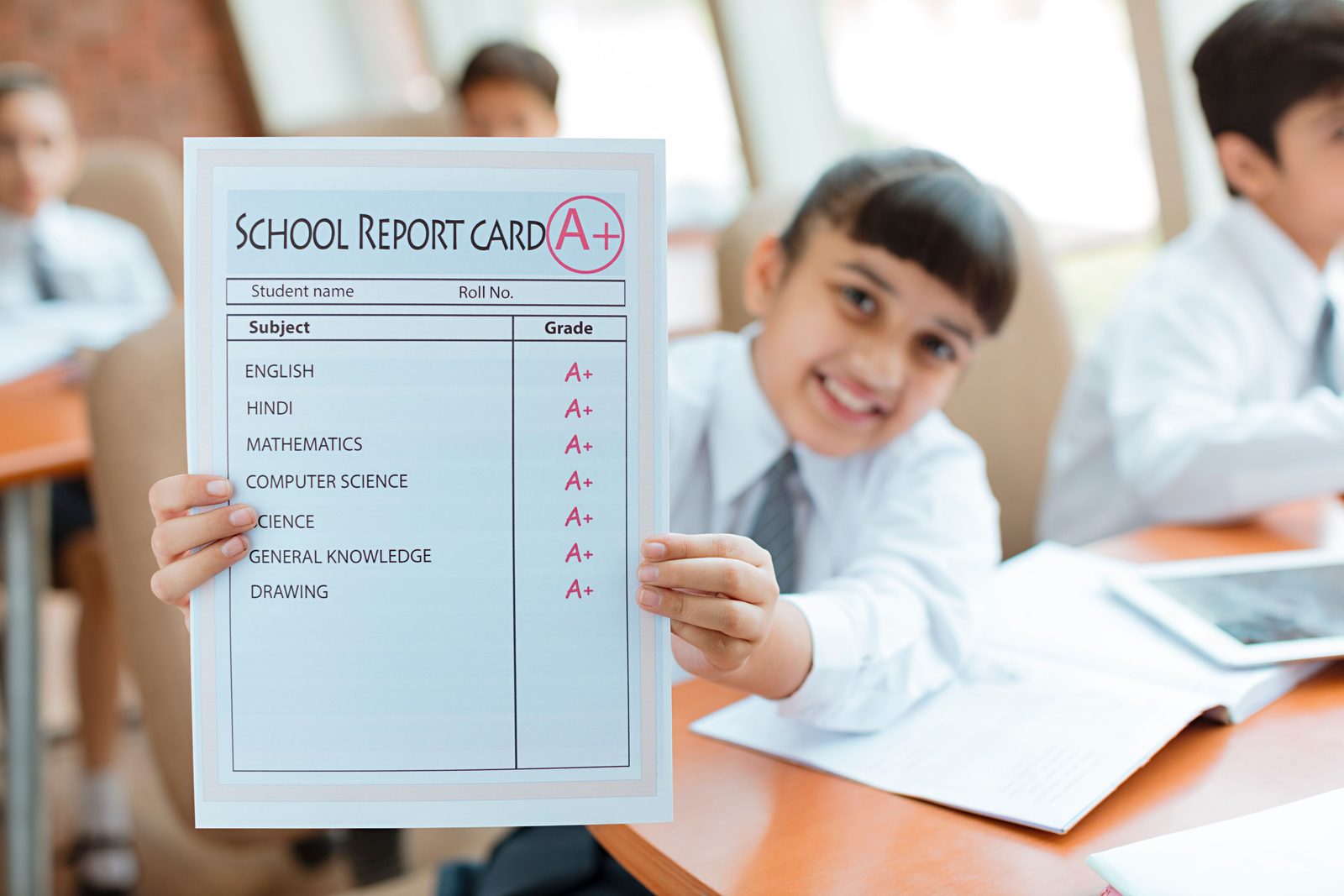

Assessment that looks beyond marks, without doubling the work.
NEP 2020 asks schools to report on the whole child. The Holistic Progress Card, recently introduced by CBSE, records development across many skills and competencies, not only subjects. It is used mainly for the junior grades, and by some schools up to Grade 8. CBSE encourages schools to adopt or adapt it. Schoolcanvas lets you do that from the attendance, marks and activity records you already keep.
A dedicated HPC report card
A deep, multi-skill format that sits alongside your regular report cards. Use it for the classes where you have adopted it, and keep your usual card for the rest.
Scholastic and co-scholastic together
Co-scholastic areas as per CBSE, state and international board guidelines, entered by teachers and analysed alongside subject marks.

Built to your academic requirements
Your exam pattern, grading scale, subjects, remarks, layout, logo and signatures. Set up once, then reused every term.

Teacher development in the same system
Observation, feedback and reflection are part of the continuous professional development NEP 2020 encourages. The Classroom Observation Tool keeps that record.
One academic system, five very different jobs.
Principals, coordinators, teachers, students and parents each need something different from the academic year. Each of them gets their own view of the same data.
See academics across the whole school, without waiting for a file.
Lesson plan status, result analysis and classroom observations for every class, in one place. You see where the syllabus is behind and which students need help, and you can spend your time observing and supporting teachers instead of chasing paperwork.
Book a demo for your roleBefore
- Syllabus coverage known only when the exam is near
- Results read as a list of marks after the final exam
- Observation notes kept on paper, if at all
With Schoolcanvas
- Lesson plan status reports for every class
- Result analysis by class, section, subject and student
- Observation forms, action plans and reports linked to appraisal
Keep every class on track, from the timetable to the exam schedule.
You build the timetable, arrange the substitutions, set the exam schedule and own the report card formats. As school timetable software, Schoolcanvas generates the timetable from your inputs, suggests substitutes from staff attendance and keeps every format saved for next term.
Book a demo for your roleBefore
- Weeks spent building the timetable by hand
- Phone calls at 7:45 to cover absent teachers
- Report card templates rebuilt every term
With Schoolcanvas
- Timetable generated 100% from your inputs
- Same-subject substitutes suggested from attendance
- Your formats saved once, reused every term
Less paperwork in exam season, more time for the class.
Enter marks once in your own login and the register, report cards and analysis follow. Post homework with ready formats, share e-content on the smart board, and see your own timetable and substitutions in the Schoolcanvas mobile app, which every staff member has.
Book a demo for your roleBefore
- Marks entered in a register, Excel and the report card
- Homework written on the board and copied into diaries
- Lesson plans kept in a notebook nobody else sees
With Schoolcanvas
- Marks entered once, used for every report
- Homework sent to parents with ready subject formats
- Class-wise lesson plans matched to the exam schedule
Know what is due, what is next and where you stand.
Homework, the timetable, e-content and online tests are in the app. Students upload assignments and projects, reserve library books and see their own marks and report cards once the school publishes them.
Book a demo for your roleBefore
- Homework copied from the board, sometimes wrongly
- Waiting for result day to know how the term went
- Library books unavailable for weeks
With Schoolcanvas
- Homework, timetable and e-content in the app
- Online tests and report cards in their login
- Reserve books in demand and get due-date reminders
Results without the wait, and homework without the guesswork.
Daily homework, marks and report cards arrive on the parent app, with performance shown subject by subject. Parents know what their child is learning this week and how the term went, without taking a day off for result day.
Book a demo for your roleBefore
- Report cards collected in person on result day
- Homework known only from the school diary
- Marks without any sense of the pattern
With Schoolcanvas
- Report cards published on the parent app and website
- Daily homework on the app
- Graph-based report cards by subject
Ready for this term, not next year.
You do not have to wait for a new session to switch. If your data is ready, we guarantee you will be live in 7 days, and your existing records come across for free.
Set up your academic year
Classes, sections, subjects, teachers and your exam pattern, moved in from Excel or your old software at no cost.
Match your formats
We set up your report cards in your board's format, with your logo, grading and signatures, including HPC where you use it.
Train your teachers
A short session, online or at your school, on attendance, homework, lesson plans and mark entry.
Teach, test and report
Timetables, substitutions, homework and report cards run from day one, with support 5 minutes away.

Already have marks and formats in Excel?
We migrate students, staff, subjects and academic history for free, and set up your existing report card formats before you go live.
What changes in exam season.
| Schoolcanvas | Excel, Word and registers | Separate tools for each job | |
|---|---|---|---|
| Mark entry | ✓ Once, in the teacher's own login | ✕ Register, then Excel, then Word | Exported and re-imported between tools |
| Report card formats | ✓ Any board and HPC, saved and reused | ✕ Rebuilt every term | Fixed templates, limited changes |
| Timetable | ✓ Generated 100% from your inputs | ✕ Built by hand over weeks | Separate timetable tool |
| Substitutions | ✓ Same-subject teachers from staff attendance | ✕ Phone calls each morning | Attendance kept in another system |
| Syllabus coverage | ✓ Lesson plan status reports | ✕ Notebooks nobody checks | Not linked to the exam schedule |
| Weak students | ✓ Flagged by result analysis during the year | ✕ Noticed after the final exam | Charts without follow-up |
| Results for parents | ✓ Published on the parent app and website | ✕ Collected on result day | Separate parent portal |
| Classroom observation | ✓ Forms, action plans, linked to appraisal | ✕ Paper notes in a file | Rarely part of a school ERP |
Questions academic teams ask before they switch.
Does Schoolcanvas support our board's report card format?
Yes. Schoolcanvas generates report cards for CBSE, ICSE, state boards and international curricula, in your school's own format, including scholastic and co-scholastic areas. Different classes can use different formats in the same school.
Can we customise the report card with our logo, grading and signatures?
Yes. Every report card is highly customisable and built to your school's academic requirements: exam pattern, grading scale, subjects, co-scholastic areas, remarks, layout, logo and signatures. We set up your formats as part of onboarding.
What is the Holistic Progress Card, and is it mandatory?
The Holistic Progress Card (HPC) is a report card format recently introduced by CBSE under NEP 2020. It looks at a child's development across many skills and competencies, not only subject marks. It is used mainly for the junior grades, and some schools use it up to Grade 8. CBSE encourages schools to adopt or adapt it, and Schoolcanvas includes a dedicated HPC report card for schools that do. Check the latest CBSE circulars for your own classes.
What is the HPC report card format?
The HPC is a deep, multi-skill format that records a child's progress across skills and competencies, not only subject marks. Schoolcanvas does not force one fixed layout on you. Like every Schoolcanvas report card, the HPC report card is set up in your school's own format, with the areas you assess, remarks, layout, logo and signatures, and filled in from the records teachers already keep. Bring your sample HPC to the demo and we will show it on Schoolcanvas.
What does report card software for schools do?
Teachers enter marks once in their own login. The software then builds the class register, term reports and each report card, with grades, ranks, attendance and graphs, in the format your school uses for each class, and publishes the cards to the parent app and website. Schoolcanvas also analyses results so weak students are spotted during the year.
Can parents see report cards on the app?
Yes. Once you publish them, report cards appear on the parent app and the website login, with graph-based performance by subject.
Does Schoolcanvas include exam management software?
Yes. Exam management covers the exam schedule, admit cards generated from the schedule and student records, a question bank and online tests, mark entry by each teacher in their own login, report cards and result analysis by class, section, subject and student.
Do teachers need to enter marks more than once?
No. Teachers enter marks once in their own login. The class register, term reports, report cards with grades and ranks, and result analysis are all generated from those marks.
Can we conduct online exams?
Yes. You can build tests from the question bank and run them online, alongside your regular paper exams. Admit cards for every student are generated from the exam schedule in a few clicks.
What does result analysis show?
Performance by class, section, subject and student, including co-scholastic analysis. It highlights students who need support, so teachers can plan remedial classes during the year rather than after the final exam.
How is the timetable created?
You enter your classes, subjects, teachers, rooms and rules, and Schoolcanvas generates the timetable 100% from those inputs. You can then view it by block, room, teacher, class or section, and student.
How does automatic substitution work?
The timetable is linked with staff attendance, so Schoolcanvas knows who is absent. For each uncovered period it suggests free teachers, starting with those who teach the same subject, and keeps a free-teacher list and substitution reports.
Can principals track lesson plans?
Yes. Teachers write class-wise lesson plans matched to the exam schedule, and principals and coordinators see status reports showing which classes are on track and which are behind.
Is there a classroom observation feature?
Yes. The Classroom Observation Tool gives principals and coordinators observation forms, rating scales, feedback, action plans and observation reports, and links observations to the teacher's appraisal, so lesson visits lead to real improvement.
Does the library module support barcodes?
Yes. The library has an online catalogue, barcode-based issue and return, due-date reminders, reservations for books in demand, automatic late fines and usage reports.
How long does it take to go live?
If your data is ready, we guarantee you will be live in 7 days. We migrate students, staff and academic history from Excel or your old software for free, set up your report card formats and train your teachers.
How does this connect to Assist?
Assist is our AI-powered LMS, with ready lessons, worksheets, board-pattern tests, an OMR scanner and 10+ AI tools from Nursery to Grade 12. Marks from Assist tests, including OMR-scanned papers, flow straight into Schoolcanvas report cards. Assist can also be bought on its own.
Is there a free trial?
Yes. You can try the Schoolcanvas ERP and Assist free for one month. Book a demo and we will set it up with your school's details.
Guides for this suite
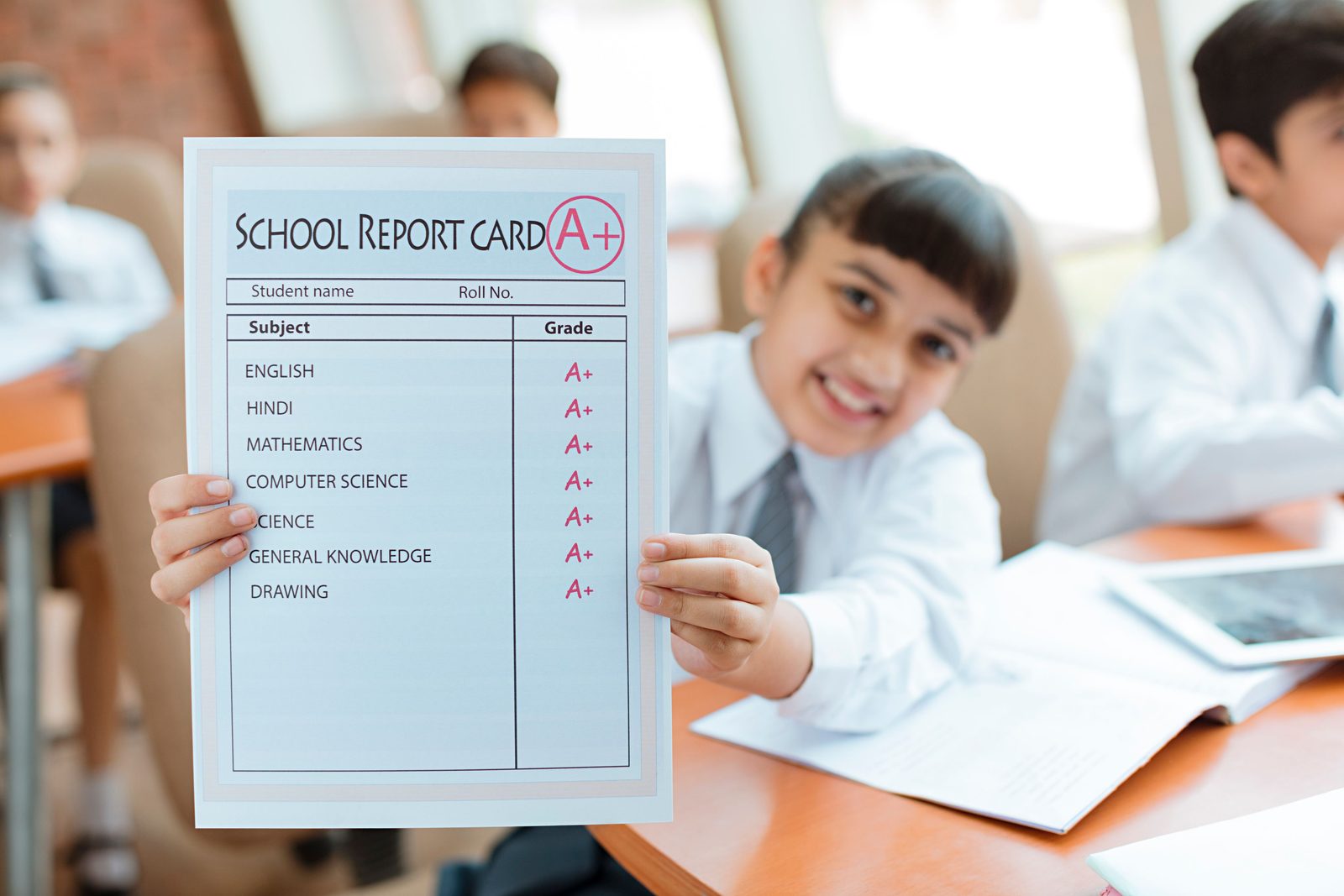 Academics and exams
Report card software: from marks entry to analysis parents understand
 Academics and exams
HPC report card: a practical guide for junior grades
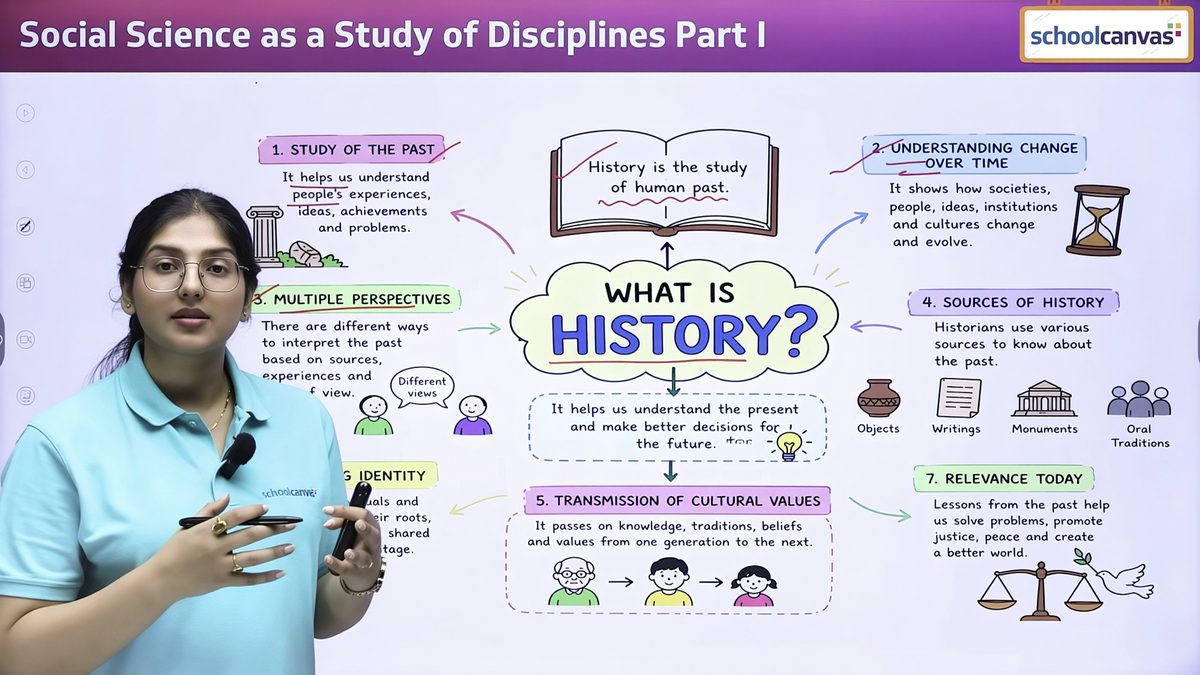 Assist and AI
Lesson planning aligned with NEP and NCF, without the late nights
Plug in the rest of your school.
Every Schoolcanvas suite shares one student record. Add another and it simply plugs in.
- AssistThe AI-powered LMS: ready lessons, board-pattern tests, an OMR scanner and 10+ AI tools, with marks flowing straight into Schoolcanvas report cards.Explore →
- Student ManagementStudent attendance from the teacher app flows straight into report cards and result analysis.Explore →
- HR & PayrollBiometric staff attendance drives substitutions, and appraisals draw on classroom observations.Explore →
- CommunicationHomework, exam schedules and result notifications reach parents on the app, WhatsApp or SMS.Explore →


See your report card format on Schoolcanvas.
A 45-minute demo with your board and your format in mind. Bring a sample report card and your timetable, and we will show you how they run on Schoolcanvas. We call you within 4 working hours to fix a time.
Your free demo can cover
- Your own data, formats and processes
- The modules you need, from admissions to fees
- The apps for parents, teachers and staff
- Assist, the AI LMS for your teachers
- A setup plan and a quote for your school
- Call back in 4 working hours
- Free data migration
- 1-month free trial
Book my free demo
Takes 30 seconds. No commitment.
Still building report cards in Excel?
Mon–Fri 9 am – 6 pm · Sat 9 am – 4 pm