
Eight suites that run the whole school

Teacher first: 10+ AI tools with CBSE and ICSE content
Explore Assist →
From the first doubt to the chapter exam, one connected path
For Class 3 to 12, CBSE and ICSE, with JEE and NEET for Class 11 and 12. Every chapter in four steps.
Where would you like to sign in?
School login
For staff and admins · app.schoolcanvas.com
Student login
For students · student.schoolcanvas.com
Popular with schools
Popular with students and parents
School ERP for CBSE schools, built around the CBSE year.
A school ERP for CBSE schools that prints report cards in your exact format, runs the Holistic Progress Card and keeps student data ready for UDISE+ and APAAR.
- Scholastic and co-scholastic areas
- HPC report card included
- CBSE content in Assist, Nursery–12
- Your formatreport cards as
your school prints - HPCHolistic Progress
Card built in - Blueprintboard-pattern
papers in Assist - Nursery–12CBSE content
in Assist - UDISE+and APAAR,
integrated
1000+ schools run their academic year on Schoolcanvas
 Bethesda International SchoolBangalore
 Lions Calcutta (Greater) Vidya MandirKolkata
 Venus International Group of SchoolsTumkur
 San Academy Group of SchoolsChennai
 Children Public SchoolFatehpur
 Delhi Public SchoolNumaligarh
 Bishop Westcott Girls School, DorandaRanchi
 SEA Group of InstitutionsBangalore
 D.B.M.S. English SchoolEast Singhbhum
 Christ Jyoti School, AssebNagaon
 Mount Litera Zee SchoolPatna
 St. Jude's AcademySonepat
 M.S. Memorial Public SchoolPatna
What a school ERP for CBSE schools has to cover.
Seven moments in a CBSE school’s year, what each one asks of you, and where it already lives in Schoolcanvas. One student record feeds every row.
-
New session
Class lists, student records and APAAR IDs for the year
One record per student, kept by the office and used by every module. Schoolcanvas is integrated with UDISE+ and APAAR. Student Management →
-
Through each term
Periodic tests with competency-based questions
Assist’s question bank has MCQ, case-based, assertion-reason and competency-based questions, mapped to learning outcomes. Assist →
-
Half-yearly, annual
Exam papers that follow the board blueprint
Ready papers built to the blueprint, fully editable. The OMR scanner uploads objective marks in one click. Assist →
-
End of each term
Report cards with scholastic and co-scholastic areas
Teachers enter marks once in their own login; report cards in your format follow, and go out on the parent app. Academics →
-
Junior classes
The Holistic Progress Card (HPC)
A dedicated HPC report card, built from the attendance, marks and activity records you already keep. How it works ↓
-
Classes X and XII
Knowing who is ready for the board exam
Assist’s readiness score shows how ready each student is, so teachers know where to focus before the boards. Assist →
-
Year end
Results, analysis, promotion and government data
Result analysis by class, subject and student; bulk promotion to the next class; student data that supports your UDISE+ and APAAR submissions. Academics →
Also on a CBSE school’s list: CBSE guidelines expect GPS on school buses. Schoolcanvas keeps the tracking and the trip records. Transport →
CBSE report card software that follows your format.
No two CBSE schools print the same report card. Schoolcanvas is set up to your exam pattern, grading, subjects and co-scholastic areas, with your own layout, logo and signatures.
Term report cards, from marks entered once
Teachers enter marks in their own login. Class registers, term reports, report cards and performance analysis follow, with graphs by subject and weak students flagged. Marks from Assist tests flow straight in.
The Holistic Progress Card, without a second register
NEP 2020 asks schools to look beyond marks. The HPC, introduced by CBSE, records a child’s growth across skills and competencies, and CBSE encourages schools to adopt or adapt it. Most schools use it for the junior classes; some carry it up to Grade 8.
Competency-based questions, ready before the bell.
Assist is the AI LMS from Schoolcanvas, with CBSE content from Nursery to Grade 12 and 10+ AI tools. When the syllabus or exam pattern changes, our content team updates it, so your teachers don’t have to.
Questions in the board’s patterns
MCQ, case-based, assertion-reason and competency-based, at every level of Bloom’s taxonomy.
Papers to the blueprint
Chapter tests and half-yearly and annual papers, ready to use or edit. A validator checks a paper before it goes out.
Marking that keeps up
OMR scanning for objective answers; AI-assisted correction of written answers, reviewed by the teacher.
Lesson plans on NEP and NCF
Lesson plans aligned with NEP 2020 and NCF, plus ready presentations, concept videos and worksheets.
Marks from Assist flow straight into Schoolcanvas report cards. See Assist →
Questions CBSE schools ask before they switch.
Does Schoolcanvas support the CBSE report card format?
Yes. Report cards are built to your school’s exam pattern, grading, subjects and scholastic and co-scholastic areas, with your own layout, logo and signatures. Teachers enter marks once, and class registers, term reports, report cards and result analysis are produced from them.
What is the Holistic Progress Card, and does Schoolcanvas support it?
The HPC was introduced under NEP 2020 to report on a child’s overall development, not only marks. CBSE encourages schools to adopt or adapt it. Schoolcanvas includes a dedicated HPC report card, built from the attendance, marks and activity records you already keep. Most schools use it for the junior classes, and some up to Grade 8.
Does Assist have content for CBSE classes?
Yes. Assist has CBSE content from Nursery to Grade 12, following the syllabus and question patterns, with higher-order questions for IIT-JEE, NEET and Olympiad preparation. Our content team keeps it up to date when the curriculum or exam pattern changes.
Can Assist prepare papers to the CBSE blueprint?
Yes. Assist has chapter-wise tests and ready half-yearly and annual papers built to the board blueprint, with a mix of objective and subjective questions. Teachers can edit every paper, and the question paper validator checks it before it goes out.
Do we need Assist to use the Schoolcanvas ERP?
No. The ERP and Assist work on their own. Used together, marks from Assist tests flow straight into Schoolcanvas report cards and the parent app.
Does Schoolcanvas help with UDISE+ and APAAR?
Yes. Schoolcanvas is integrated with UDISE+ and APAAR, so the student data you already maintain supports your government submissions.
How quickly can a CBSE school go live?
Usually within 7 days once your data is ready. We move your existing data from Excel or another system free of charge and set up your report card and HPC formats with your logo. You can also try Schoolcanvas free for a month.
Guides for CBSE schools
 Academics and exams
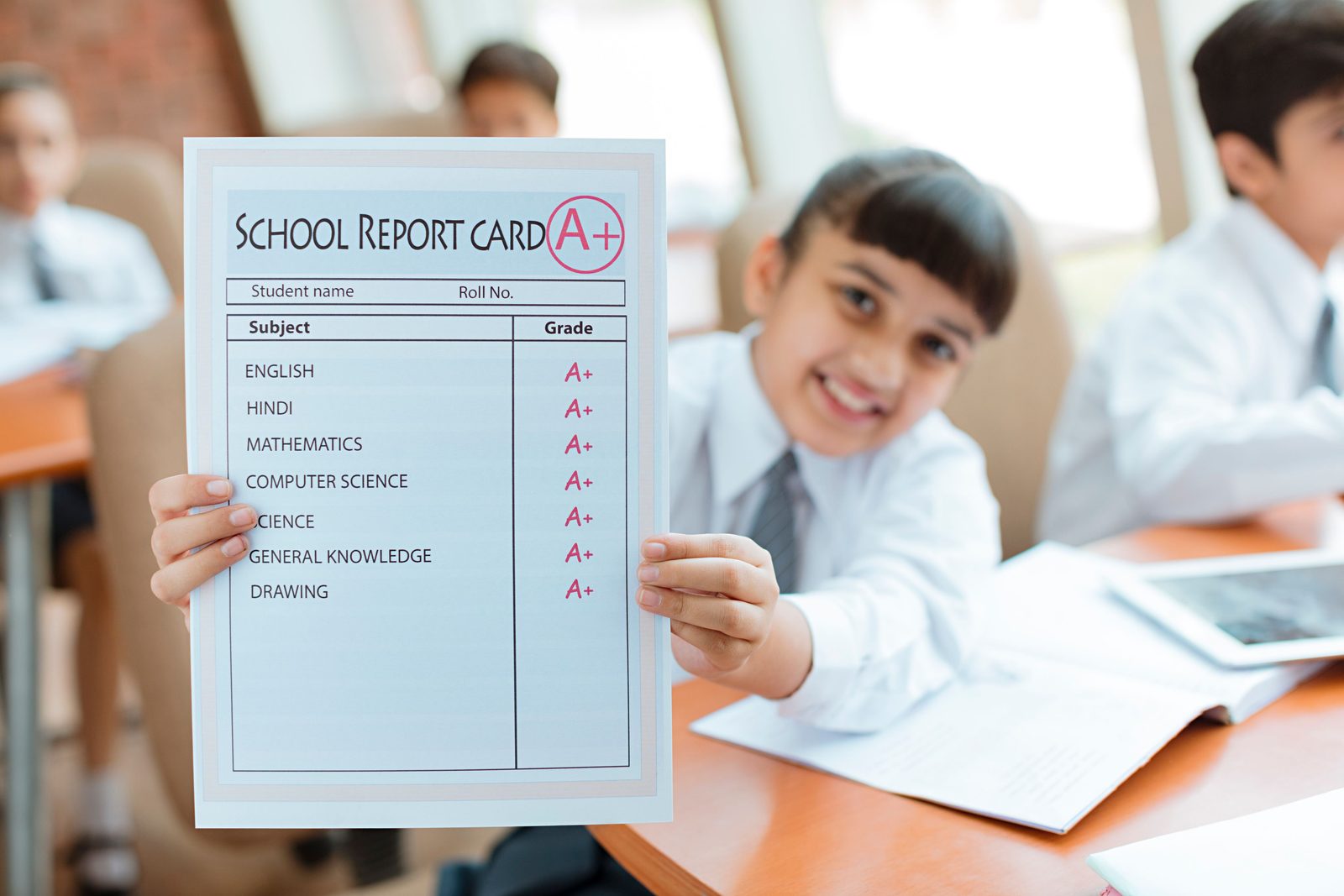
HPC report card: a practical guide for junior grades
 Academics and exams
Report card software: from marks entry to analysis parents understand
Plug in the rest of your school.
Every Schoolcanvas suite shares one student record. Add another and it simply plugs in.
- Academics & ExaminationReport cards in your CBSE format, the HPC and result analysis, from marks entered once.Explore →
- AssistCBSE content, competency-based questions and blueprint papers, with 10+ AI tools.Explore →
- Student ManagementOne record per student, integrated with UDISE+ and APAAR.Explore →
- TransportGPS tracking and trip records for every school bus.Explore →


See your CBSE report card set up on Schoolcanvas.
Bring your current report card and HPC formats. In 45 minutes we show them on Schoolcanvas, with Assist for your board classes. We will call you within 4 working hours to fix a time.
Your free demo can cover
- Your own data, formats and processes
- The modules you need, from admissions to fees
- The apps for parents, teachers and staff
- Assist, the AI LMS for your teachers
- A setup plan and a quote for your school
- Call back in 4 working hours
- Free data migration
- 1-month free trial
Book my free demo
Takes 30 seconds. No commitment.
Run the whole CBSE year from one student record.
Mon–Fri 9 am – 6 pm · Sat 9 am – 4 pm